Logo Background Remover That Makes Branding Effortless
Remove background from logo instantly with AI precision and zero design skills required.
or drop a file
No logo? Try one of these:



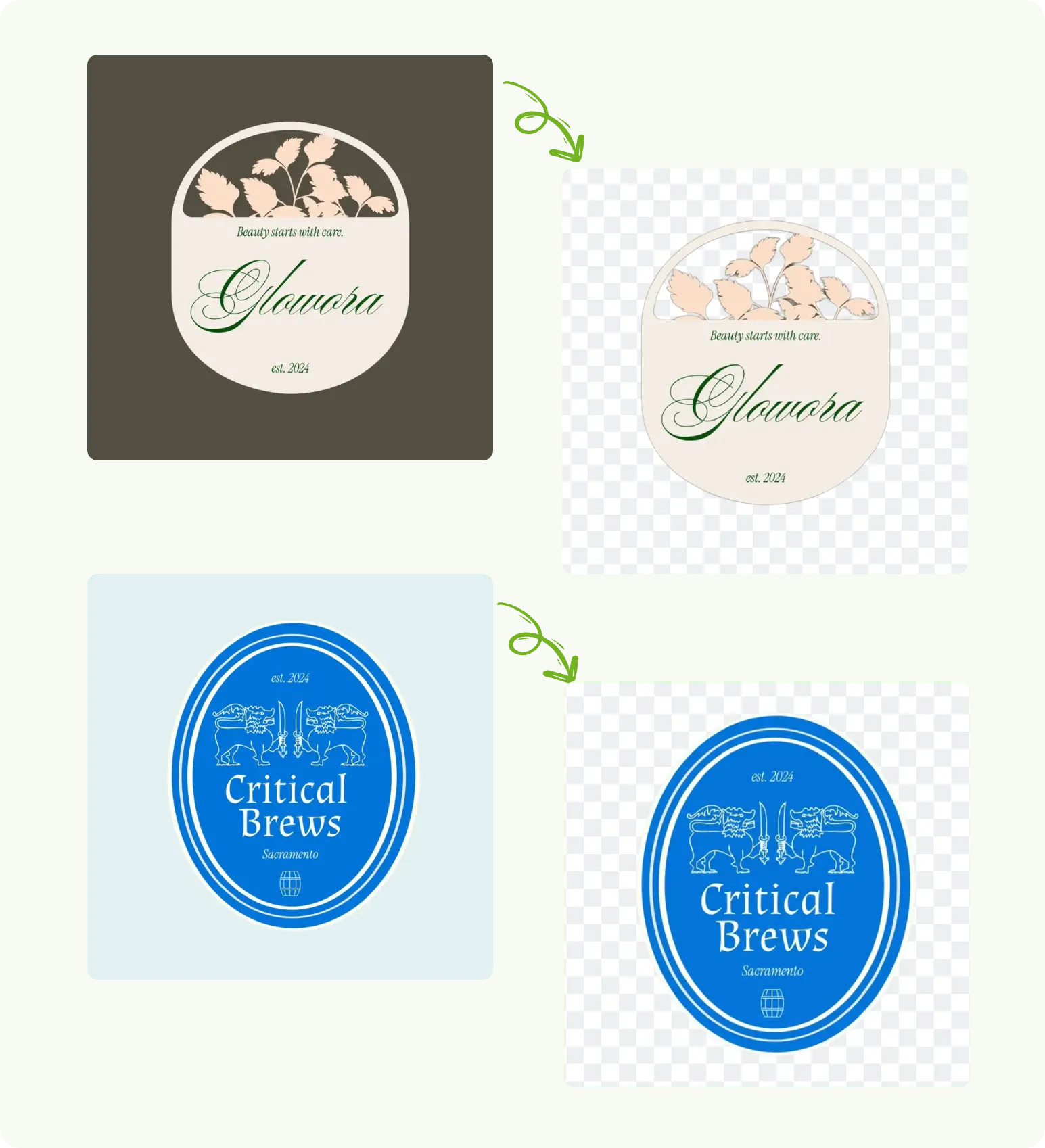

Remove background from logo instantly with AI precision and zero design skills required.
No logo? Try one of these:
With Remover AI’s free logo background remover, you can remove background from logo images in one click. Upload your logo and let the AI instantly separate it from the background with clean edges. This workflow is ideal for startups and marketers who need fast, professional logo assets without installing software or learning design tools.

AI logo background remover helps you reuse existing logos effortlessly. Remove bg from logo files and place them on new colors or layouts for websites, ads, or campaigns. This saves time, reduces redesign costs, and keeps your branding consistent while allowing quick visual updates.
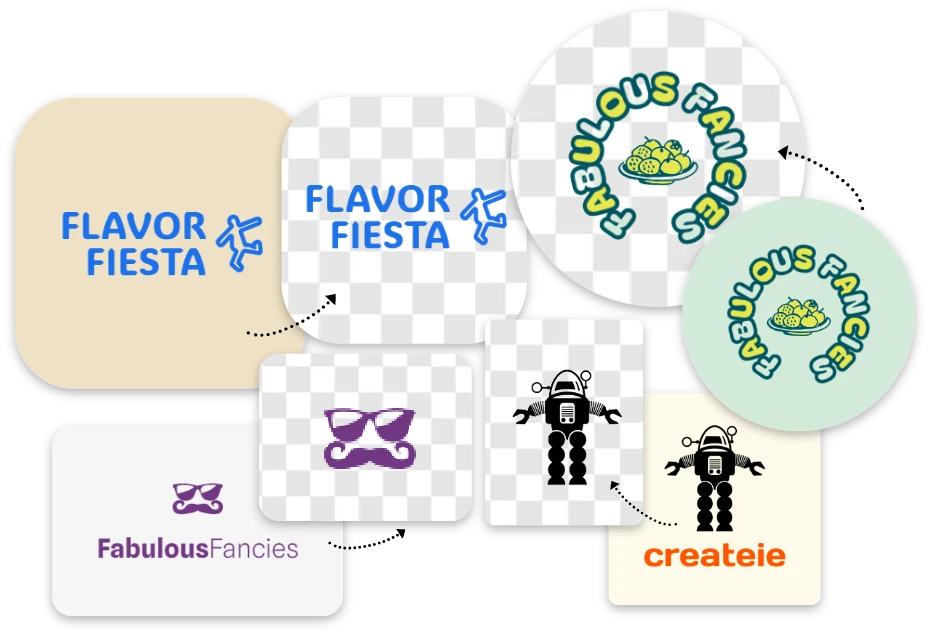
Using free logo background remover, you can make logo background transparent for websites, apps, presentations, packaging, and ads. The AI ensures sharp edges and high resolution, so one transparent logo file works across all platforms without repeated editing.
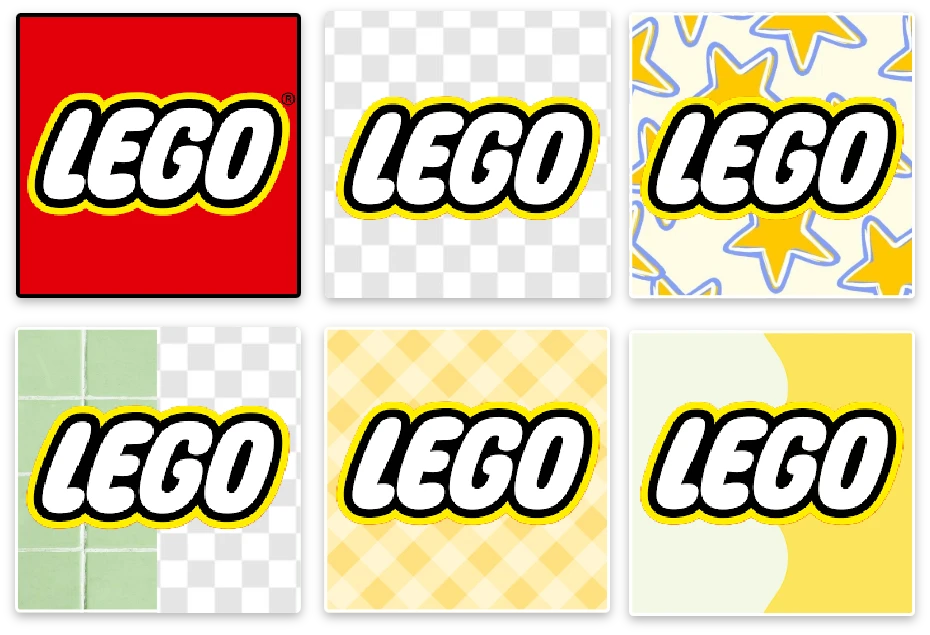
Remover AI goes beyond a basic logo bg remover. The free logo background remover also works for icons, badges, and brand graphics. Remove backgrounds, refine details with erase tools, and export polished visuals for marketing or UI design.

Our AI precisely separates logo text and shapes from backgrounds, even with gradients or shadows, ensuring professional-grade results.
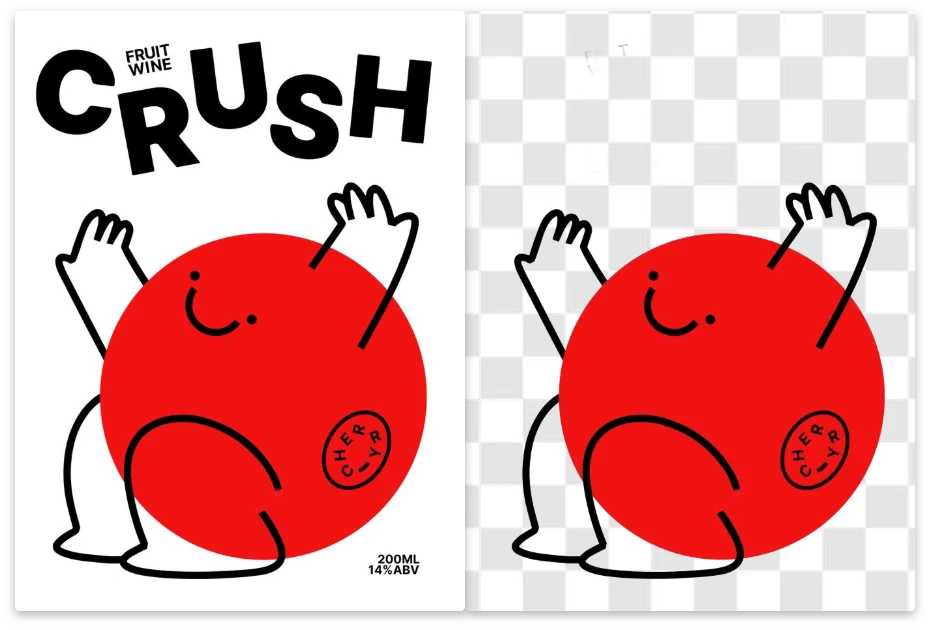
Remove background from logo online without installing software. Everything runs securely in your browser.
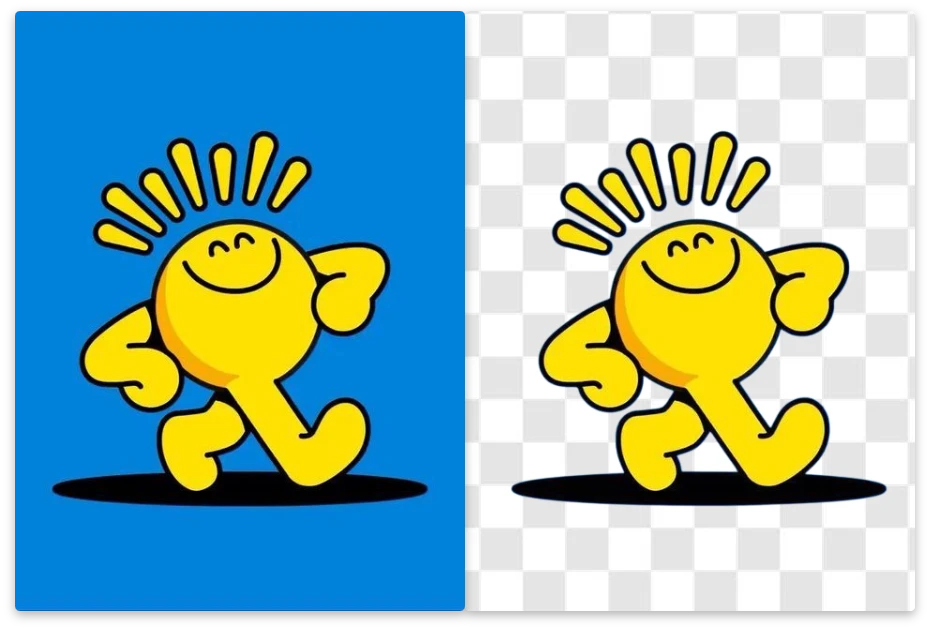
From minimal wordmarks to complex emblems, our logo bg remover handles multiple logo styles effortlessly.
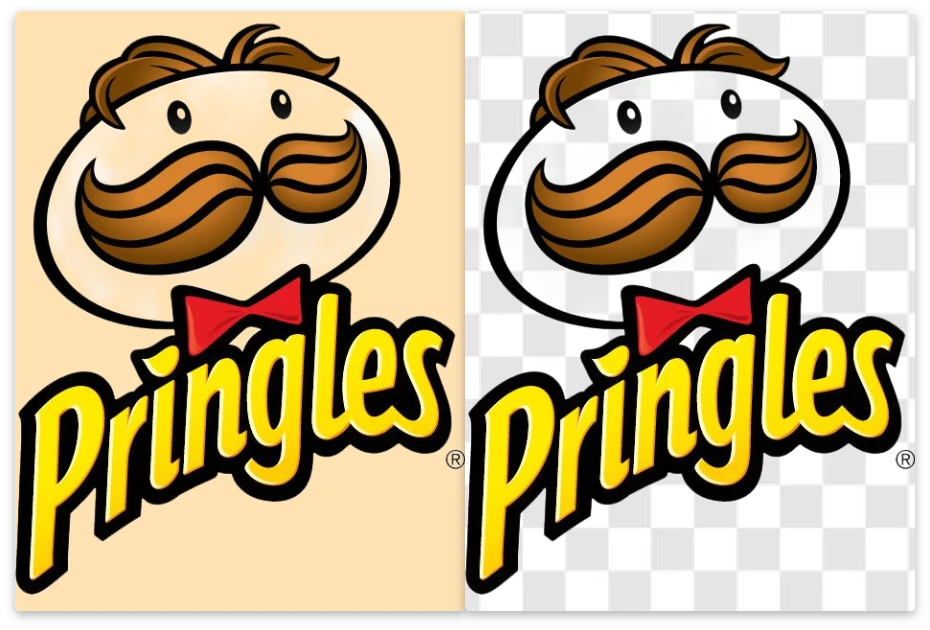
Save time with instant processing. The logo BG remover delivers clean results faster than manual editing tools.
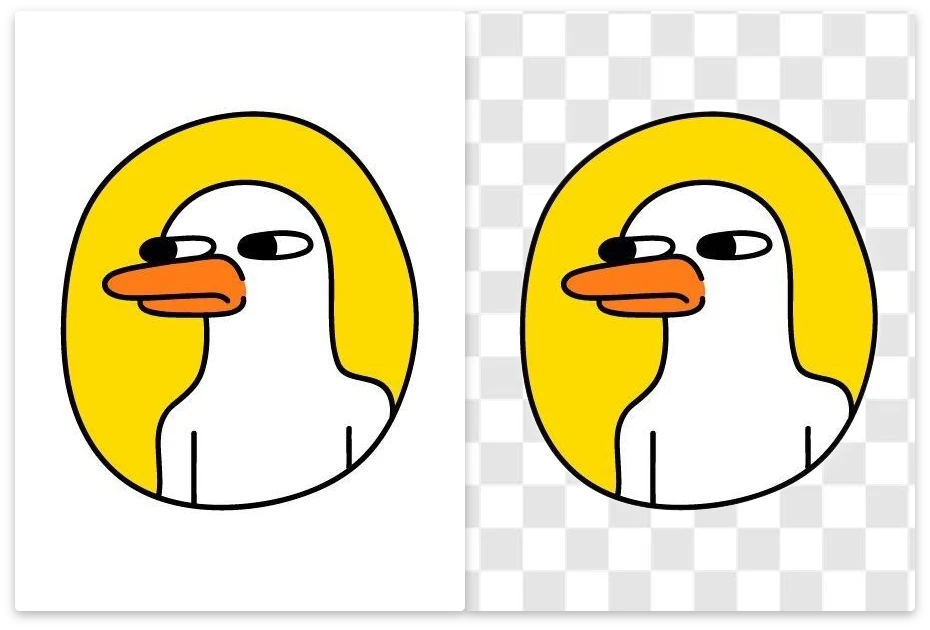
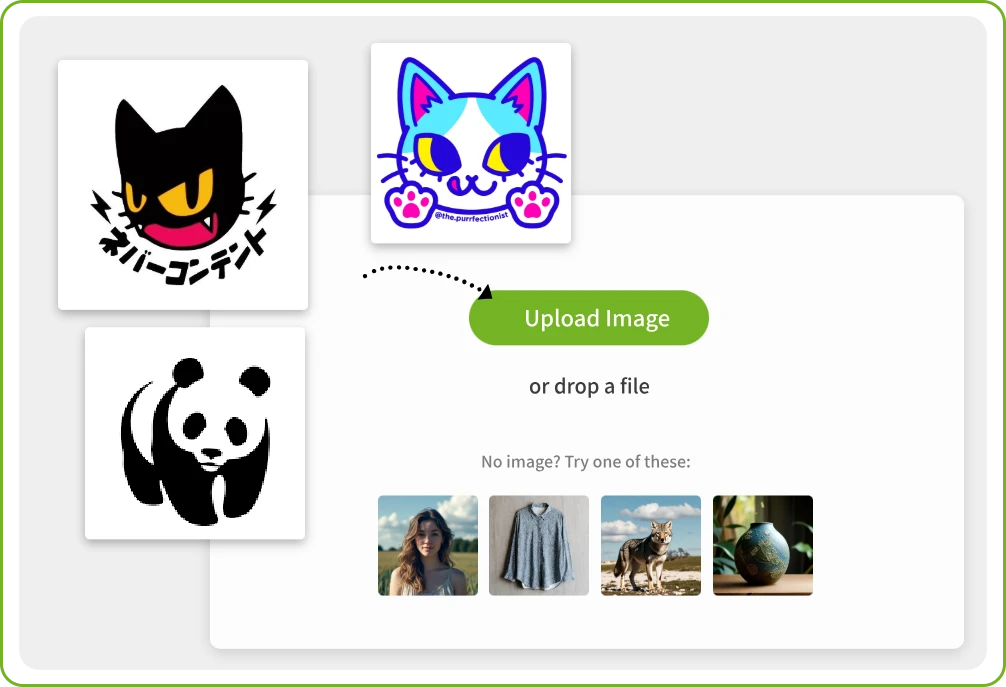
Upload your logo image in JPG, PNG, or WebP format. logo BG remover works with text-based logos, icons, and complex brand marks, all directly in your browser.

Once uploaded, the AI starts processing immediately. In just a few seconds, the background is removed automatically with high edge accuracy.
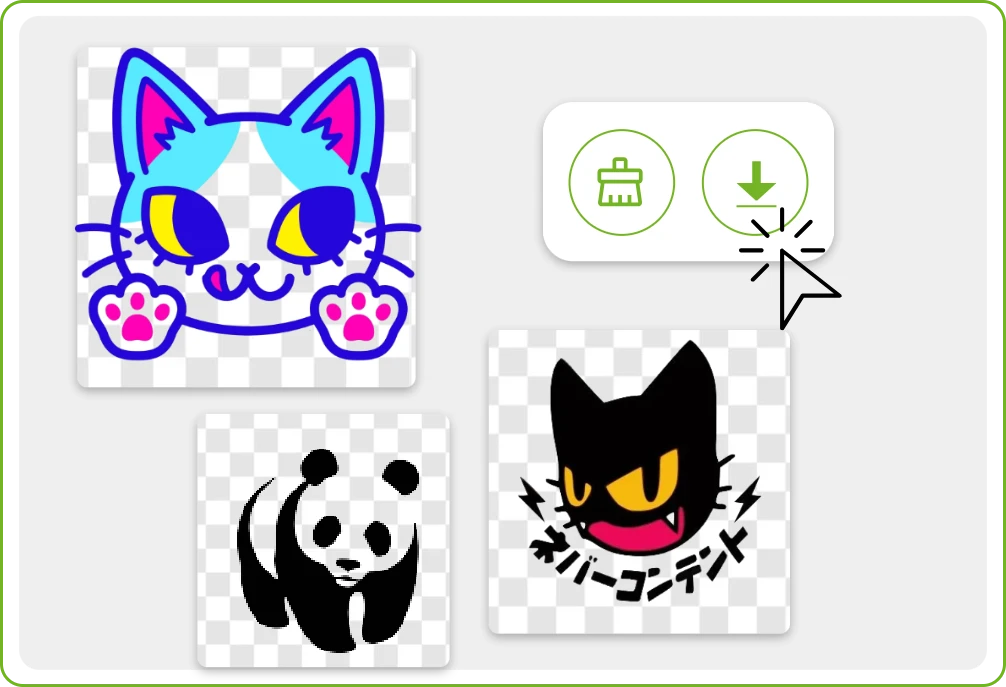
Preview the result instantly. Use the built-in erase tool to remove any unwanted areas manually. Download your logo with a transparent background, ready for any use.
Remover AI made it incredibly easy to remove background from logo files. The results look clean and professional
I tested many tools, but this Remover AI was the fastest and most accurate.
The logo BG remover saved me hours of manual work for client branding projects.
Turn any logo into a transparent, professional asset in seconds. With Remover AI, branding becomes faster, easier, and more flexible—no design tools required.